
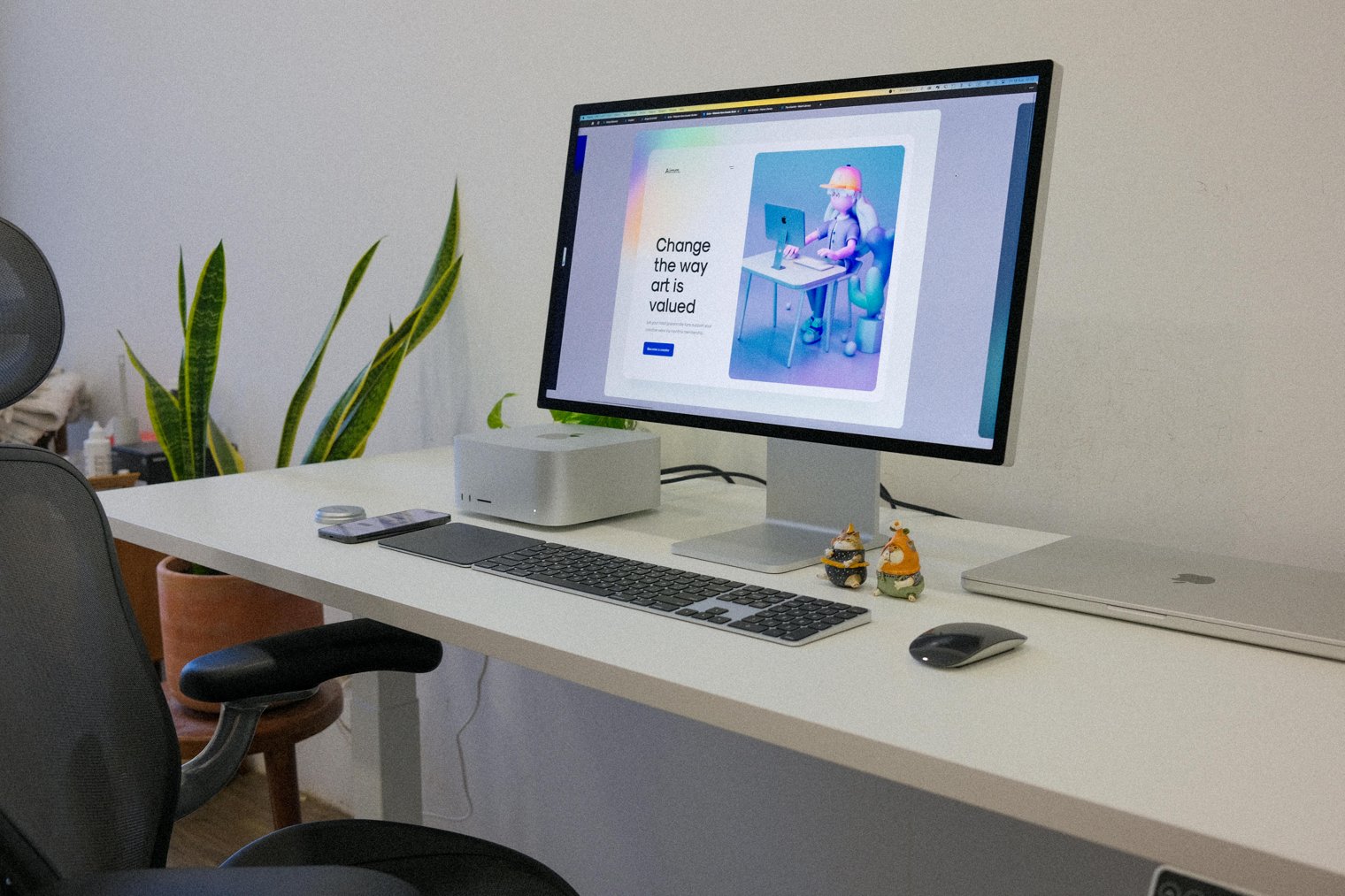
Improving comfort, increasing productivity ensuring a healthy work environment.
Conducting a workplace ergonomics assessment involves evaluating the physical setup of workstations to ensure that employees can work comfortably and efficiently while reducing the risk of injury. The assessment includes reviewing chair positioning, desk height, monitor placement, and overall posture. Ergonomics specialists provide actionable recommendations to improve employee well-being and enhance productivity.
8:00 AM: Arriving at the workplace and setting up the tools needed for the assessment, including a measuring tape and checklist.
9:00 AM: Evaluating individual workstations and observing employees' postures.
9:45 AM: Making adjustments to workstations, such as adjusting chair height and monitor position.
10:30 AM: Documenting findings and making ergonomic recommendations for improvements.
11:30 AM: Meeting with management to discuss the assessment results and provide a report with suggested changes.
Corporate Office (Chicago, IL): A modern office space with open-plan workstations and individual desks. The ergonomics specialist moves through the area, assessing workstation setups and making adjustments to each desk.
Microsoft Redmond Campus (Redmond, WA): A large tech campus with various work environments, from open offices to private cubicles. The ergonomics assessment focuses on creating an optimal workspace for developers, project managers, and other employees.
The HOK Design Studio (New York, NY): A design firm where workstations are analyzed to promote comfort and productivity, using ergonomic principles to accommodate diverse needs.
Apple Park (Cupertino, CA)
Facebook Headquarters (Menlo Park, CA)
Googleplex (Mountain View, CA)
Twitter Headquarters (San Francisco, CA)
Intel Corporation (Santa Clara, CA)
Amazon Headquarters (Seattle, WA)
Adobe Systems (San Jose, CA)
Tesla Motors (Palo Alto, CA)
Cisco Systems (San Jose, CA)
Salesforce Tower (San Francisco, CA)
LinkedIn Headquarters (Sunnyvale, CA)
IBM Global Services (Armonk, NY)
SAP Americas (Newtown Square, PA)
Oracle Headquarters (Redwood City, CA)
HP Inc. (Palo Alto, CA)
VMware (Palo Alto, CA)
Dell Technologies (Round Rock, TX)
SpaceX Headquarters (Hawthorne, CA)
Nvidia Headquarters (Santa Clara, CA)
Pixar Animation Studios (Emeryville, CA)
Dropbox Headquarters (San Francisco, CA)
Yelp Headquarters (San Francisco, CA)
Square Headquarters (San Francisco, CA)
Airbnb Headquarters (San Francisco, CA)
Uber Headquarters (San Francisco, CA)
Snap Inc. (Santa Monica, CA)
Workplace health, employee comfort, productivity, injury prevention, ergonomic design.
1. Ergodyne: Ergonomics products
2. Steelcase: Office furniture manufacturer
3. Herman Miller: Office furniture and ergonomic solutions
4. Humanscale: Ergonomic furniture and tools
5. Logitech: Ergonomic accessories, such as keyboards and mice
6. Vari: Standing desks and ergonomic solutions
7. Office Depot: Office furniture and ergonomic products
8. Amazon: Ergonomic office supplies and furniture
9. Uplift Desk: Standing desks
10. Ikea: Affordable ergonomic furniture
11. Sit-Stand Desk Solutions: Height adjustable desks
12. FlexiSpot: Ergonomic chairs and desks
13. 3M: Ergonomic workstation solutions
14. Fellowes: Ergonomic office products
15. Staples: Office ergonomics tools
16. Amazon Basics: Affordable ergonomic accessories
17. Comfort Products: Ergonomic tools and furniture
18. LifeSpan Fitness: Active sitting solutions
19. Mobo: Ergonomic chairs and office products
20. Veridesk: Height-adjustable desks
21. BodyBilt: Ergonomic office chairs
22. Safe Ergonomics: Workplace assessments and consulting
23. ErgoGenesis: Ergonomic furniture
24. Ergonomic Solutions: Workplace assessments
25. Regus: Flexible office spaces with ergonomic furniture
26. Wrightline: Ergonomic workstations
1. Steelcase (Purchase ergonomic furniture and accessories)
2. Herman Miller (Invest in ergonomic chairs and desks)
3. FlexiSpot (Set up sit-stand desks for flexibility)
4. Amazon (Order ergonomic accessories such as mousepads and keyboard trays)
5. Uplift Desk (Configure ergonomic office desks)
6. 3M (Get anti-fatigue mats and ergonomic supports)
7. Vari (Optimize workspace setup with height-adjustable desks)
8. LifeSpan Fitness (Integrate standing desks into the office)
9. Fellowes (Order ergonomic computer accessories like laptop stands)
10. Ergodyne (Find ergonomic tools for workplace safety)
• Ergonomic Desk (To ensure proper desk height and comfort):
• Adjustable Chair (For proper seating posture):
• Computer Monitor Stand (To adjust screen height to eye level):
• Keyboard and Mouse (Ergonomic design for minimal strain):
• Footrest (To maintain proper leg position while sitting):
• Anti-Fatigue Mat (For those using standing desks):
• Adjustable Lighting (To reduce eye strain):
• Chair Armrests (To support arms and shoulders):
• Desk Mat (For comfort and organization):
• Ergonomic Accessories (Such as wrist rests and lumbar supports):
• Herman Miller Aeron Chair
• Steelcase Gesture Chair
• Vari Standing Desk
• Logitech MX Master 3 Mouse
• Uplift Desk V2
• High Cost: Ergonomic furniture can be expensive.
• Space Constraints: Some offices may not have enough room for ergonomic setups.
• Adjustment Period: Employees may initially find it difficult to adapt to new ergonomic setups.
• Time-Consuming: Proper ergonomic assessments can take a significant amount of time.
• Employee Resistance: Some employees may resist changes to their workstation setup.
• Over-Compensation: Too much focus on ergonomics can lead to excessive changes or discomfort.
• Inconsistent Results: Ergonomics solutions may not work equally well for every employee.
Regularly reviewing workstation setups for ongoing ergonomics.
Providing employees with guidance on maintaining proper posture throughout the day.
Encouraging the use of standing desks or other ergonomic tools during work hours.
Monitoring employee feedback to ensure ergonomic needs are being met.
Performing ergonomic assessments at regular intervals (quarterly, annually).
Educating employees on the importance of taking breaks and stretching.
Ensuring that workspaces remain clean and clutter-free to maintain ergonomic comfort.
Complete the ergonomics report and share it with HR or management.
Offer recommendations for future ergonomic improvements and solutions.
Transition the workspace into its new, ergonomically-optimized layout.
Conduct follow-up assessments to ensure comfort and efficiency.
Provide ongoing support to employees for maintaining ergonomic workspaces.
Events
You must log in to add an event.
Events for this Scenario
No events found for this scenario yet.
Experiences
Please log in to share your experience.