
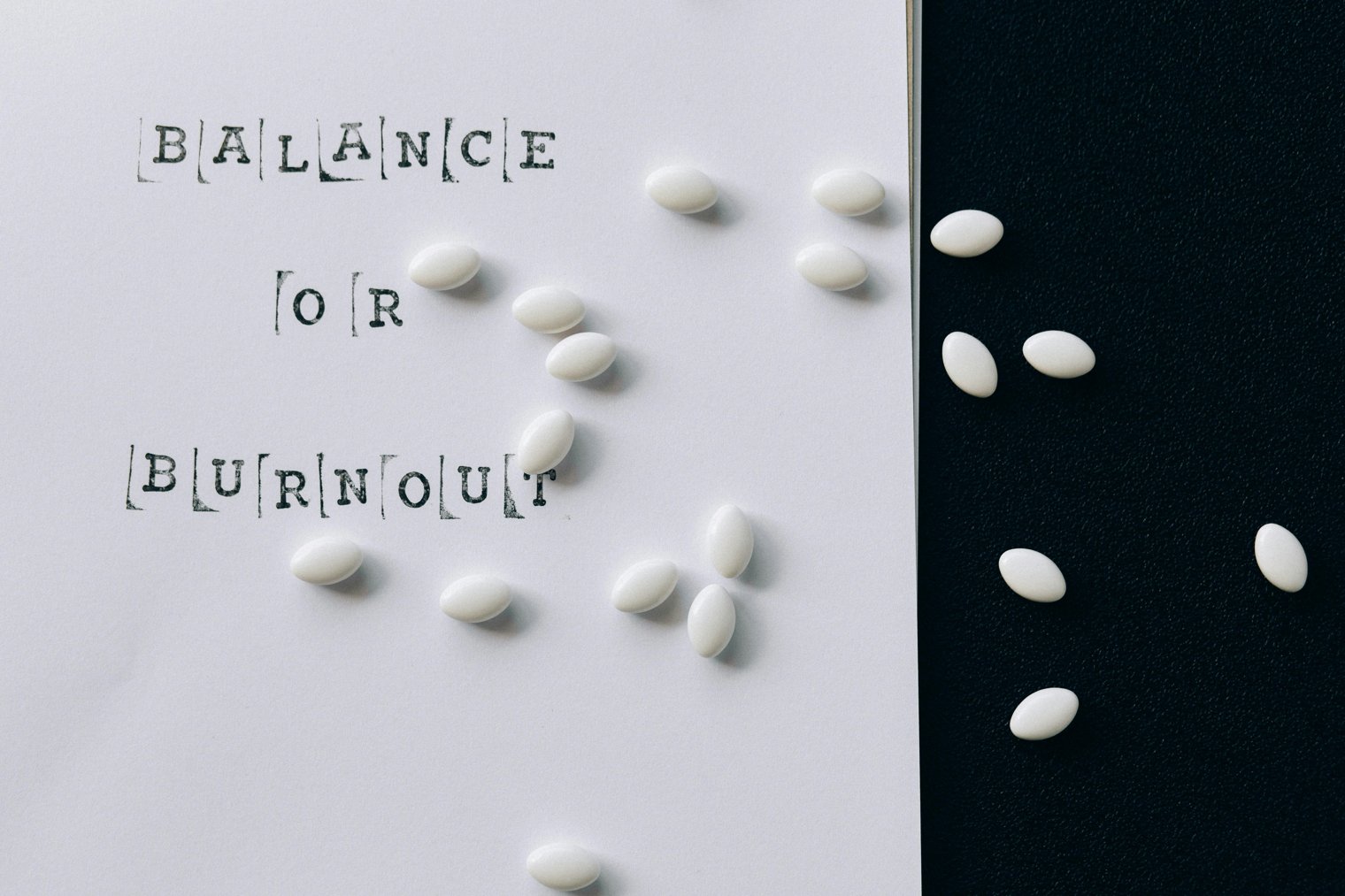
From burnout to balance finding a way to reclaim your energy.
Working from home can blur the lines between personal and professional life, leading to burnout after months or years of constant work with no clear boundaries. The challenges of long hours, isolation, and never-ending tasks can wear down even the most resilient people. This scenario follows someone struggling with burnout after a year of working from home and their journey to regain balance and well-being.
8:00 AM: Waking up late, feeling exhausted but knowing there’s work to do.
10:00 AM: Working through a pile of emails, trying to focus but feeling drained.
1:00 PM: Taking a break, but feeling disconnected from everything outside of work.
4:00 PM: Pushing through a Zoom meeting, but mentally checked out.
7:00 PM: Ending the day by mentally checking out, ready for bed, but still feeling stressed.
Bedroom (CA)
Local Park (VA)
Art Gallery (NYC)
Hiking Trail (CO)
Co-working Space (DC)
Neighborhood Café (FL)
Community Center (PA)
Gym (TX)
Massage Therapist (SC)
Online Therapy (MD)
Grocery Store (WI)
Pet Store (LA)
Library (NC)
Outdoor Market (TX)
Local Bar (CO)
Family Member’s Home (IL)
Rooftop Bar (NY)
Walking Trail (CA)
Community Garden (NJ)
Public Beach (TX)
Doctor’s Office (PA)
Family Room (WI)
Local Mall (CA)
Spa (FL)
Doctor’s Office (VA)
Burnout, work-life balance, self-care, recovery, productivity.
1. Headspace: Meditation App
2. Calm: Stress Management
3. Zoom: Video Conferencing
4. Amazon: Books and Work Supplies
5. Peloton: Fitness and Wellness
6. Fitbit: Health Tracker
7. Fiverr: Freelance Services
8. TaskRabbit: Personal Help Services
9. Grubhub: Food Delivery
10. Postmates: Food Delivery
11. Instagram: Mental Health Accounts
12. Pinterest: Self-care Inspiration
13. LinkedIn: Professional Networking
14. Netflix: Entertainment
15. Amazon Fresh: Grocery Delivery
16. Hootsuite: Social Media Management
17. Zoom: Virtual Meetings
18. Slack: Team Communication
19. Evernote: Note-taking
20. Trello: Task Management
21. Google Calendar: Task Scheduling
22. Mint: Budgeting Tool
23. Etsy: Handmade Goods
24. Mailchimp: Email Marketing
25. Shopify: Business Tools
26. Fiverr: Freelancer Services
27. WeWork: Co-working Space
28. Udemy: Online Courses
29. Coursera: Learning Tools
30. Audible: Audiobooks
31. TaskRabbit: Household Help
32. Grubhub: Food Delivery
33. LinkedIn Learning: Online Classes
34. Etsy: Handmade Products
35. PayPal: Online Payment
36. Acorn: Investment App
37. BetterHelp: Therapy Platform
38. HomeAdvisor: Home Improvement
39. Spotify: Music for Focus
40. FreshDirect: Groceries
41. Lifehacker: Productivity Tips
42. Hims: Health Support
43. Blinkist: Book Summaries
44. Canva: Graphic Design Tool
45. Peloton: Fitness App
46. Skillshare: Creative Learning
47. TaskRabbit: Help with Work Tasks
48. Evernote: Productivity App
49. Mint: Budgeting App
50. Calm: Relaxation App
1. Headspace: Set up daily meditation sessions for stress relief.
2. Peloton: Start a gentle fitness routine for physical recovery.
3. Amazon: Order supplies for home office organization.
4. Zoom: Set up virtual wellness meetings with colleagues.
5. TaskRabbit: Hire help to ease daily tasks at home.
6. Grubhub: Set up food delivery for easy meal options.
7. Slack: Organize work tasks and to-dos with your team.
8. Google Calendar: Schedule personal time and work hours.
9. Fiverr: Hire a personal assistant to help with tasks.
10. LinkedIn Learning: Start courses on work-life balance and stress management.
• A comfortable chair for working from home:
• Noise-canceling headphones for focused work:
• Water bottle for hydration:
• Desk setup for efficient productivity:
• Meditation app (Calm or Headspace):
• Journal for emotional reflection:
• Comfortable loungewear for home comfort:
• Healthy snacks for energy:
• Fitness tracker (Fitbit):
• Online therapy service (BetterHelp):
• Fitbit Charge 4 (Fitness Tracker)
• Peloton (Exercise Equipment)
• Calm (Meditation App)
• Amazon Echo (Smart Device for Productivity)
• Grubhub (Food Delivery)
The constant blur between work and home life
Struggles with balancing personal time and work demands
The emotional toll of constant productivity pressure
Burnout from over-scheduling tasks
The challenge of maintaining healthy boundaries at home
Feeling isolated or disconnected from others
Overwhelm from managing too many responsibilities
Set clear work hours and personal boundaries
Prioritize daily self-care routines
Take breaks to refresh mentally and physically
Track progress to ensure goals are met
Use organizational tools like calendars or apps
Focus on physical and mental health simultaneously
Communicate openly with your team about limits
Set a deadline for re-evaluating work-life balance
Consider a part-time or flexible schedule for better recovery
Seek additional professional support to prevent burnout
Reassess workload and delegate non-essential tasks
Transition to full-time remote work if necessary
Events
You must log in to add an event.
Events for this Scenario
No events found for this scenario yet.
Experiences
Please log in to share your experience.