
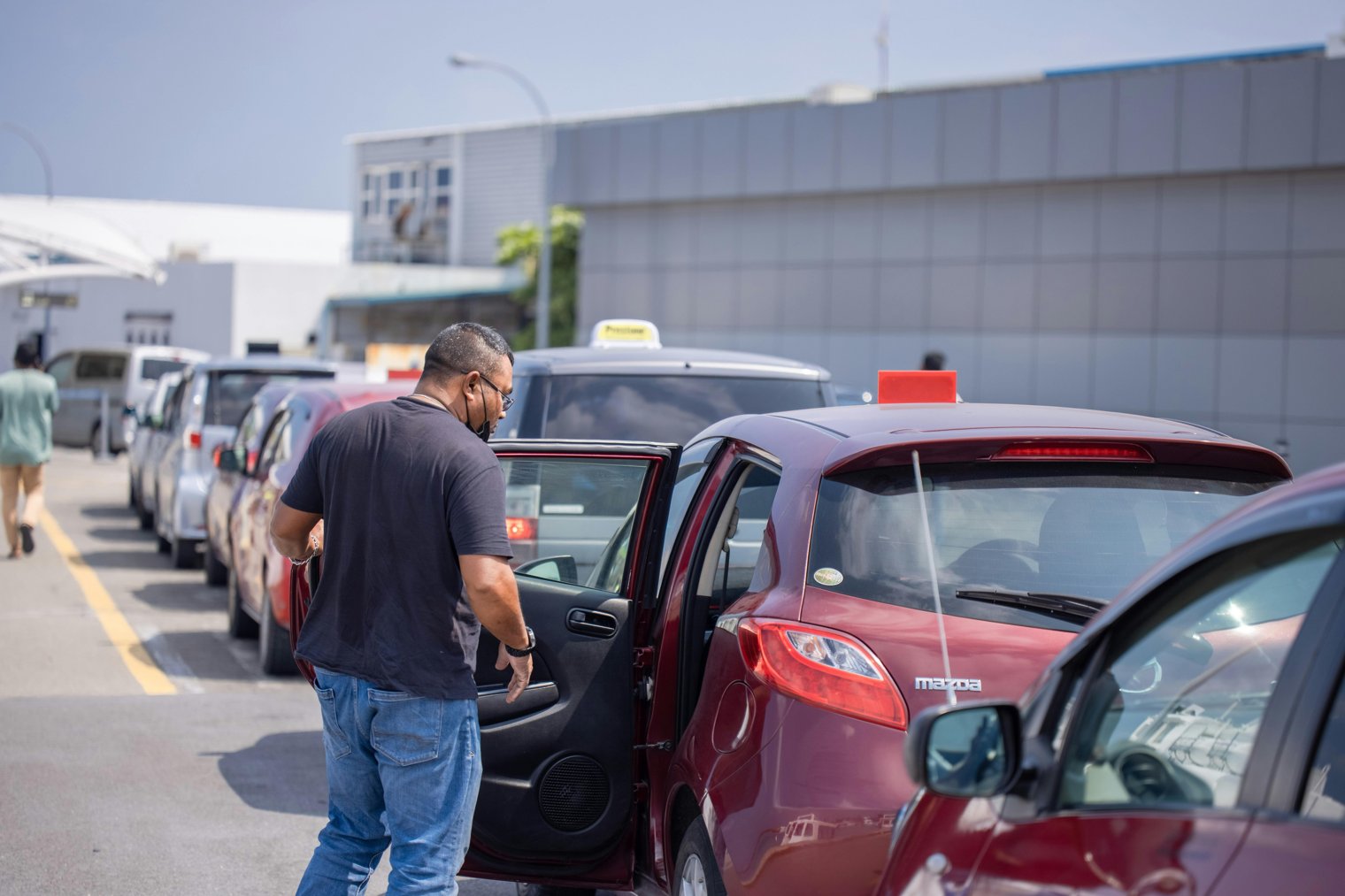
When you know it’s here somewhere but where exactly?
Forgetting where you parked your car is a surprisingly common experience. Whether it’s in a large mall parking lot, a city garage, or even a small street parking area, the moment you realize you can’t remember where you left your car is both frustrating and confusing. This scenario highlights the steps you take to retrace your steps, the tools you use to assist you, and the emotions you go through in trying to resolve the situation.
10:00 AM: Leaving the store, about to head to your car, but the parking lot looks unfamiliar.
10:05 AM: Realizing you’ve forgotten where you parked, you stand for a moment, taking in the lot and trying to remember.
10:10 AM: Walking up and down the aisles of the parking lot, scanning for your car.
10:15 AM: Checking your phone for any GPS history or photos you may have taken to help you locate your car.
10:20 AM: Feeling both frustrated and relieved as you spot your car, finally resolving the parking mystery.
Parking Lot (varies by location)
Overview: The large, often overwhelming space where many cars are parked and where you need to remember your spot.:
Landmarks: Shopping center parking lots, mall garages, street-side parking in a crowded city.:
Tips: If possible, try to park in the same general area or note landmarks around your car to help with the retrieval.:
Local Mall or Shopping Center (varies by location)
Overview: Large shopping venues with sprawling parking lots where it's easy to forget where you left your car.:
Landmarks: Look for areas with a recognizable store or a nearby landmark (e.g., "in front of Macy's" or "next to the fountain").:
Tips: Park near a recognizable store or landmark and take a picture of your location or use a parking app.:
City Parking Garage (varies by location)
Overview: Multi-story garages in busy cities where parking spots are numbered or grouped, making it easy to forget which level or section your car is in.:
Landmarks: Look for a specific level or row number, or a specific store or entrance as a point of reference.:
Tips: Write down the level or section of the garage where you parked, or use a parking app to mark your location.:
Mall Parking Garage (Los Angeles, CA)
Target Parking Lot (Various Locations Nationwide)
Walmart Parking Lot (Various Locations Nationwide)
City Street Parking (New York City, NY)
Costco Parking Lot (Various Locations Nationwide)
IKEA Parking Lot (Various Locations Nationwide)
Airport Parking Lot (San Francisco International Airport, CA)
Shopping Plaza (Chicago, IL)
Parking Lot Near Stadium (Dodger Stadium Parking, Los Angeles, CA)
Public Parking Garage (Miami, FL)
Movie Theater Parking Lot (AMC Theaters, Various Locations)
Downtown City Garage (Boston, MA)
Grocery Store Parking Lot (Whole Foods, Various Locations Nationwide)
Street Parking in Manhattan (New York, NY)
Hospital Parking Garage (Cedars-Sinai Medical Center, Los Angeles, CA)
Public Library Parking Lot (Los Angeles Public Library, Los Angeles, CA)
Convention Center Parking (Chicago McCormick Place, IL)
Hotel Parking Lot (The Ritz-Carlton, New York, NY)
Beachfront Parking (Santa Monica Beach, Santa Monica, CA)
Parking Lot Near Restaurant (The Cheesecake Factory, Various Locations)
College Campus Parking Lot (University of Southern California, Los Angeles, CA)
Bank Parking Lot (Chase Bank, Various Locations Nationwide)
Apartment Complex Parking (Brooklyn, NY)
Park-and-Ride Lot (North Station, Boston, MA)
Train Station Parking (Union Station, Washington D.C.)
Memory and Distraction
Technology and Navigation
Everyday Challenges
Frustration and Relief
Problem-Solving
1. Google Maps: Navigation & Parking
2. Apple Maps: Navigation
3. Waze: Navigation App
4. Uber: Ride Sharing to/from Parking
5. Lyft: Ride Sharing to/from Parking
6. Parkopedia: Parking Finder App
7. SpotHero: Parking Reservation App
8. ParkMobile: Parking Payment & Location App
9. Amazon: Phone Accessories
10. Walmart: Phone Accessories
11. Best Buy: Electronics and Gadgets for Navigation
12. GoPro: Action Camera for Parking Lot Photos
13. T-Mobile: Mobile Phone Services
14. Verizon: Mobile Phone Services
15. Apple: iPhone for Navigation
16. Android: Phone for Navigation
17. Google: Parking Services
18. Ford: Cars with Built-In Parking Assistance
19. Tesla: Cars with Navigation and Parking Assistance
20. Cadillac: Cars with Parking Assistance
21. BMW: Cars with Parking Assistance
22. Parking Garage Services: Various Locations Nationwide
23. Lyft: Parking Assistance
24. Amazon Alexa: Voice Navigation
25. Samsung: Phones with Parking Apps
1. Google Maps: Set up parking location markers.
2. Parkopedia: Search for parking locations.
3. Apple Maps: Save the parking location on your phone.
4. SpotHero: Pre-book parking spots at busy areas.
5. Amazon: Get phone accessories for better navigation.
6. Best Buy: Buy a portable charger for your phone.
7. Waze: Plan your parking ahead of time.
8. ParkMobile: Use for parking location and payment.
9. Target: Buy parking lot accessories like a steering wheel cover.
10. Walmart: Get last-minute items for your car or parking needs.
• Phone with GPS App:
• Portable Charger:
• Parking Apps (Parkopedia, Waze):
• Navigation System in Car:
• A Note of Your Parking Spot or Section:
• Parking Payment App (ParkMobile):
• Comfortable Shoes for Walking:
• Map of the Parking Lot (If Available):
• Patience and Persistence:
• Parking Tickets (If Applicable):
• Garmin GPS
• Google Maps
• Apple Maps
• Waze
• ParkMobile
Losing Track of Where You Parked in Large Lots
Getting Distracted and Forgetting Your Spot
Difficulty Navigating to Your Car
Stress from Searching for a Long Time
Worrying About Time Constraints (Late for an Appointment)
Overcrowded Parking Lots Making It Harder to Find a Spot
Running Into Other Cars While Searching
Always Taking Note of Your Parking Spot or Level
Using Parking Apps to Find Available Spaces
Checking Your Phone for Location History
Trying to Park Near a Landmark for Easy Retrieval
Double-Checking Parking Lot Signs or Numbers
Walking Around the Lot to Jog Your Memory
Asking for Help from Security or Parking Staff
Taking a Photo of Your Parking Spot
Using a Parking App to Locate Your Car
Requesting Assistance from Parking Lot Security
Leaving the Lot and Coming Back Later
Using Your Car’s Built-in Navigation to Re-Trace Your Steps
Events
You must log in to add an event.
Events for this Scenario
No events found for this scenario yet.
Experiences
Please log in to share your experience.