
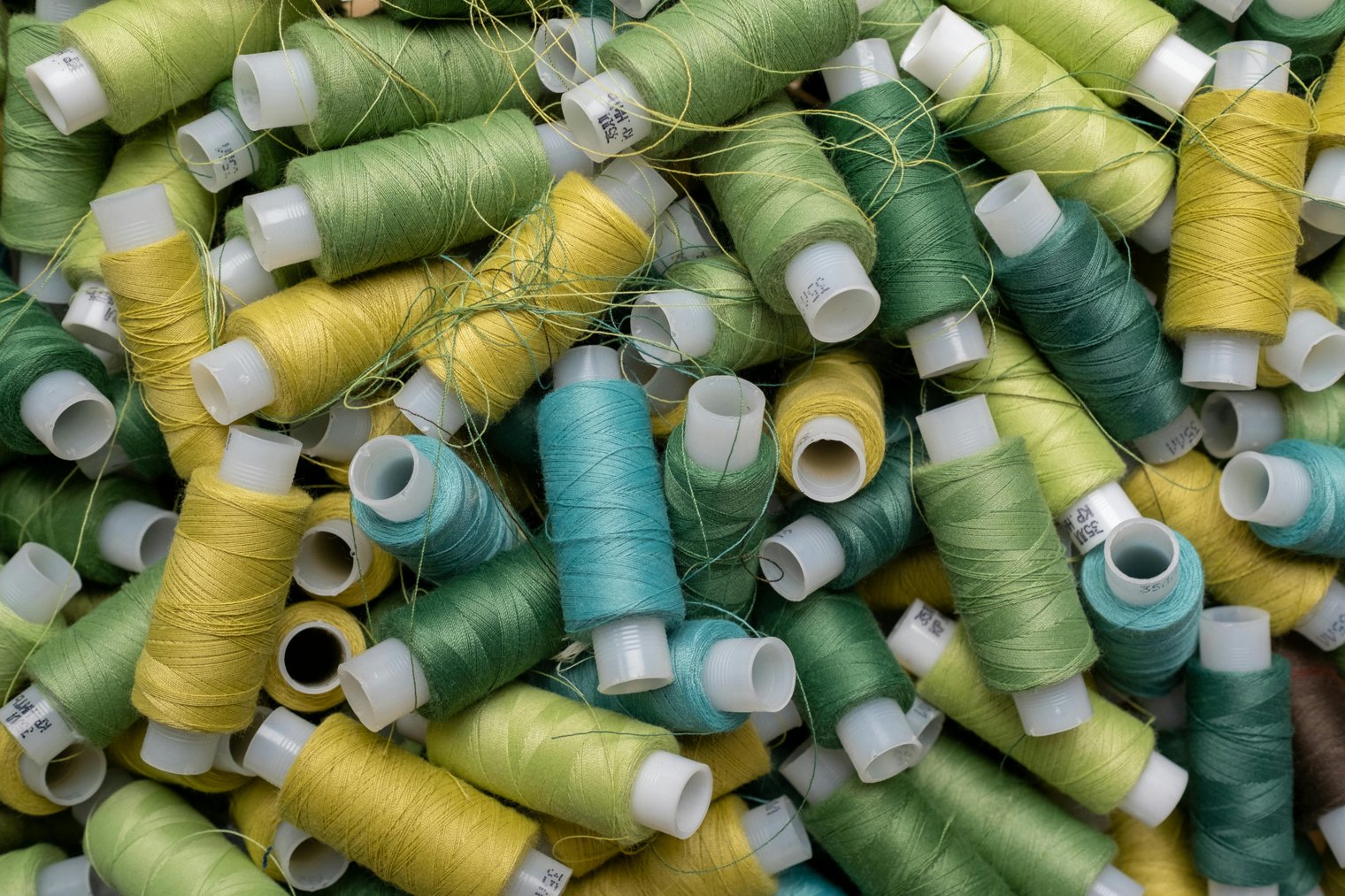
Knit together from anywhere crafting, chatting, and connecting with fellow enthusiasts.
Joining a virtual knitting group combines creativity with connection, offering a platform to bond with others over a shared hobby, regardless of geographical boundaries. In this scenario, you’re not just learning new knitting techniques or completing projects you’re connecting with like-minded people. The sense of community that arises from these virtual meetings brings a social aspect to your craft, whether you're seeking support, advice, or just enjoying a friendly chat.
7:00 PM: You log onto the virtual meeting platform, checking your camera and mic, getting ready for the weekly knitting group call.
7:10 PM: You introduce yourself to the group, mentioning what project you’re working on and asking for recommendations on a tricky stitch.
7:30 PM: As the conversation flows, you listen to others talk about their current knitting projects while you work on your own.
7:50 PM: A new pattern is shared, and the group discusses how to approach it. You take notes and ask for tips on the best yarn to use for the pattern.
8:00 PM: The meeting wraps up, and you feel encouraged and motivated to keep working on your knitting, with new ideas from the group fresh in your mind.
Ravelry (Online)
Overview: A popular online community and resource for knitters and crocheters, where members can join groups, access patterns, and share projects.
Zoom (Online)
Overview: The video conferencing platform where virtual knitting group meetings are hosted, offering features like screen sharing, chat, and break-out rooms for smaller group discussions.
YouTube (Online)
Overview: A platform where many knitting groups post tutorials and live events, and where you can watch recordings of previous group meetings and knitting tips.
Ravelry (Online)
Zoom (Online)
YouTube (Online)
Facebook Groups (Online)
Pinterest (Online)
Craftsy (Online Learning Platform)
Instagram (Social Media)
Etsy (Marketplace for Craft Supplies)
Red Heart (Yarn Brand)
Lion Brand Yarn (Yarn Brand)
Knit Picks (Online Yarn Retailer)
Michaels (Craft Store)
Joann Fabrics (Craft Store)
Hobby Lobby (Craft Store)
KnittingHelp.com (Online Knitting Community)
Knitcrate (Subscription Box for Yarn)
The Knitting Network (Online Yarn Store)
We Are Knitters (Online Yarn Store)
LoveCrafts (Online Craft Store)
Wool and the Gang (Craft Brand)
Ysolda (Designer Knitting Patterns)
Knitty (Knitting Resource Website)
The Wool Warehouse (Yarn Retailer)
Purl Soho (Craft Store)
The Knitting Boutique (Knitting Supplies)
Sockmatician (Knitting Community)
The Yarn Lounge (Craft Store)
Connection, creativity, community, learning, hobbies
1. Ravelry: Online Platform for Knitting
2. Zoom: Video Conferencing
3. YouTube: Video Platform
4. Facebook Groups: Social Media
5. Pinterest: Online Inspiration Board
6. Craftsy: Online Learning Platform
7. Michaels: Craft Store
8. Joann Fabrics: Craft Store
9. Hobby Lobby: Craft Store
10. Etsy: Marketplace
11. Red Heart: Yarn Brand
12. Lion Brand Yarn: Yarn Brand
13. Knit Picks: Yarn Retailer
14. Wool and the Gang: Yarn and Craft Brand
15. LoveCrafts: Craft Store
16. Instagram: Social Media
17. Purl Soho: Craft Store
18. Knitcrate: Subscription Box
19. Wool Warehouse: Yarn Retailer
20. Ysolda: Knitting Patterns
21. Knitty: Knitting Resource
22. The Knitting Network: Yarn Store
23. KnittingHelp.com: Knitting Tutorial Site
24. We Are Knitters: Craft Brand
25. Michaels.com: Online Craft Store
26. Joann.com: Online Craft Store
27. Etsy.com: Online Marketplace
28. The Yarn Lounge: Craft Store
29. Sockmatician: Knitting Community
30. The Knitting Boutique: Craft Supplies
31. The Wool Warehouse: Yarn Retailer
32. The Knitting Circle: Knitting Community
33. Yarnspirations: Yarn and Patterns
34. Creativebug: Craft Classes
35. Walmart: Craft Store
36. Amazon: Craft and Yarn Supplies
37. WoolStock: Online Yarn Shop
38. The Craft House: Knitting Store
39. Love to Knit: Knitting Supplies
40. Twisted Yarn Shop: Knitting Supplies
41. Little Knits: Knitting Supplies
42. Woolworks: Knitting Store
43. Big Apple Knitting: Knitting Supplies
44. Sweater Babe: Knitting Patterns
1. Ravelry (Join knitting groups and find patterns)
2. Etsy (Order yarn and knitting accessories)
3. Amazon (Stock up on knitting supplies)
4. Michaels (Find yarn and knitting needles)
5. Joann Fabrics (Pick up knitting kits)
6. Knit Picks (Order high-quality yarns)
7. Hobby Lobby (Explore yarn and needle options)
8. LoveCrafts (Shop for knitting supplies)
9. YouTube (Watch tutorials before the group meeting)
10. Zoom (Join virtual knitting group sessions)
• Knitting needles:
• Yarn:
• Laptop or tablet (for joining the virtual group):
• Internet connection:
• Ravelry account (for joining knitting groups):
• Zoom app (for virtual meetings):
• Knitting pattern (for your current project):
• Phone (for communication with group members):
• Scissors (for cutting yarn):
• Stitch markers (for keeping track of stitches):
• Lion Brand Yarn (Yarn)
• Knit Picks (Knitting Supplies)
• Purl Soho (Craft Supplies)
• Red Heart Yarn (Yarn)
• Clover (Knitting Tools)
• Internet connectivity issues: Poor Wi-Fi can disrupt the virtual experience.
• Group size: Large groups may make it difficult to have one-on-one interactions.
• Limited interaction: Virtual groups can sometimes feel less personal than in-person meetups.
• Scheduling conflicts: Finding the right time to meet with others in different time zones can be challenging.
• Distractions at home: It can be hard to focus during virtual knitting groups with other household distractions.
• Technical difficulties: Audio or video issues during meetings can hinder the experience.
• Time zone differences: Scheduling meetings that work for everyone can be difficult with members in different time zones.
Checking knitting forums regularly for new patterns.
Scheduling weekly virtual knitting group meetings.
Posting progress updates on social media or Ravelry.
Watching YouTube tutorials before starting a new project.
Preparing snacks and drinks for virtual knitting sessions.
Organizing knitting supplies before meetings.
Sharing project updates and asking for feedback from group members.
Finish your current project and share the final product with the group.
Ask for advice on new patterns or techniques for your next project.
Say goodbye and thank the group for the inspiration and support.
Plan the next virtual meeting and prepare for the upcoming session.
Follow up with a thank-you message or email to the group organizer.
Events
You must log in to add an event.
Events for this Scenario
No events found for this scenario yet.
Experiences
Please log in to share your experience.