
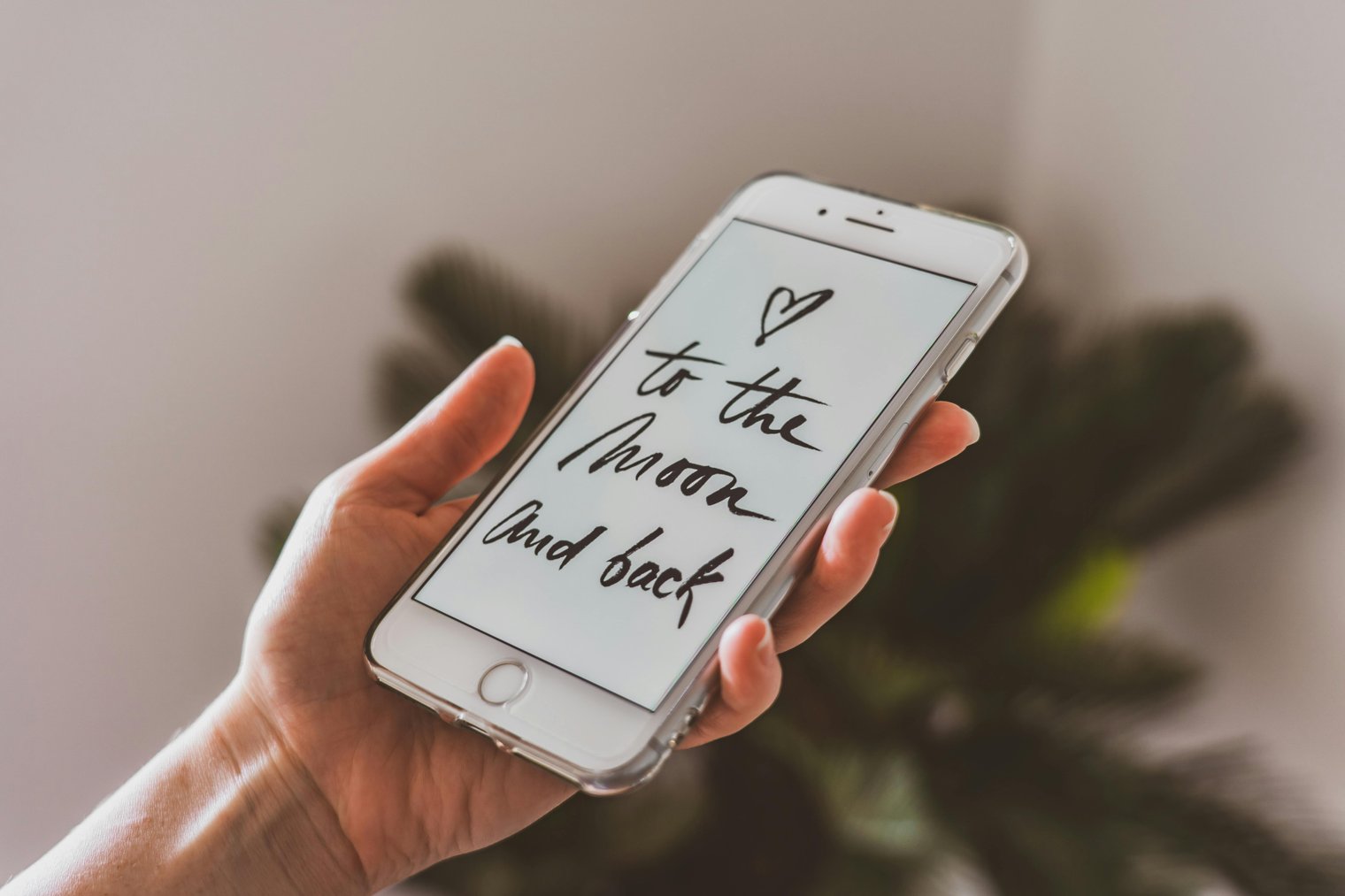
Finding your way, one tap at a time.
Looking up directions is a simple yet essential part of daily life. Whether you're navigating unfamiliar streets in a new city, trying to find the quickest route to an appointment, or just trying to avoid traffic, the act of looking up directions helps you make informed decisions about where you're going and how you'll get there. This scenario highlights how technology has made our navigation easier and faster while also keeping us connected to the world around us.
8:00 AM: You’re getting ready to head out for the day, standing at your front door with your phone in hand, opening your map app to check the best route for your commute.
8:15 AM: You’ve entered your destination into Google Maps, and now you’re choosing between taking the freeway or winding through local streets.
9:30 AM: You’ve arrived at your appointment, but you’re now preparing to head to a different location across town. You pull out your phone again to figure out the fastest route.
12:00 PM: On your lunch break, you're trying to find a nearby coffee shop. A quick search on your phone reveals a few options, and you quickly decide which one is closest.
4:00 PM: The workday ends, and now you’re planning the fastest route home. You check Google Maps one more time to avoid any sudden traffic.
1st Street & Main Street, Los Angeles, CA
Overview: A busy intersection in downtown LA with constant foot and car traffic. The perfect place to look up directions for navigating a busy city.
Overview: One of the most iconic and busiest locations in the world. Times Square is a bustling hub of activity, with digital billboards and traffic in every direction.
San Francisco Ferry Building (1 Ferry Building, San Francisco, CA)
Overview: An iconic building by the Bay Area, home to restaurants, shops, and ferries. Great for navigating to waterfront destinations in the city.
Union Square (San Francisco, CA)
Rockefeller Center (New York, NY)
Union Station (Washington, D.C.)
Grand Central Station (New York, NY)
The Golden Gate Bridge (San Francisco, CA)
Millennium Park (Chicago, IL)
The Strip (Las Vegas, NV)
National Mall (Washington, D.C.)
Pike Place Market (Seattle, WA)
Bryant Park (New York, NY)
The Louvre (Paris, France)
Madison Square Garden (New York, NY)
Times Square Subway Station (New York, NY)
SoHo (New York, NY)
Hollywood Boulevard (Los Angeles, CA)
Central Park (New York, NY)
Central Station (Sydney, Australia)
Munich Central Station (Munich, Germany)
Berlin Hauptbahnhof (Berlin, Germany)
Camden Market (London, UK)
Venice Beach Boardwalk (Los Angeles, CA)
Biltmore Estate (Asheville, NC)
Palm Springs Airport (Palm Springs, CA)
Lincoln Center (New York, NY)
Waikiki Beach (Honolulu, HI)
Waikiki Aquarium (Honolulu, HI)
Convenience, Travel, City Life, Technology, Exploration
1. Uber: On-demand ridesharing
2. Lyft: On-demand ridesharing
3. Google Maps: Navigation and directions
4. Apple Maps: Navigation and directions
5. Citymapper: Public transit navigation
6. Waze: Crowd-sourced navigation
7. Yelp: Finding restaurants and businesses
8. TripAdvisor: Destination recommendations
9. Amazon: Deliveries, directions, shopping
10. AirBnB: Accommodation navigation
11. GoPro: Document your travels
12. T-Mobile: Mobile service for travel
13. Verizon: Mobile service for navigation
14. AT&T: Mobile service for navigation
15. Garmin: GPS devices
16. Magellan: GPS devices
17. Lyft Bikes: Bike-sharing
18. Lime Scooters: Electric scooters
19. Bolt: Electric scooters
20. Zipcar: Car rentals
21. Hertz: Car rentals
22. Avis: Car rentals
23. Budget: Car rentals
24. Zipcar: Car sharing
25. Enterprise Rent-A-Car: Car rentals
26. National Rent A Car: Car rentals
27. Thrifty Car Rental: Car rentals
28. Citymapper: Public transport directions
29. Rent the Runway: Travel wardrobe rentals
30. Expedia: Booking travel
31. Kayak: Booking travel
32. TripIt: Travel planning
33. Skyscanner: Flight searches
34. Trivago: Hotel booking
35. Booking.com: Hotel booking
36. Hotels.com: Hotel booking
37. Travelocity: Booking travel
38. Priceline: Booking travel
39. OpenTable: Restaurant reservations
40. UberEats: Food delivery
41. DoorDash: Food delivery
42. Grubhub: Food delivery
43. Postmates: Food delivery
44. Starbucks: Coffee shops along the way
45. Dunkin’: Coffee stops
46. McDonald's: Quick fast food
47. Panera Bread: Healthy food options
48. Chipotle: Quick healthy food
1. Google Maps (Navigate your destination)
2. Apple Maps (Use to find routes)
3. Waze (For real-time traffic alerts)
4. Citymapper (Use for public transportation)
5. Uber (Book your ride in advance)
6. Lyft (Check for a nearby ride)
7. Lyft Bikes (Find bikes for quick local travel)
8. Lime Scooters (Find nearby scooters for short travel)
9. Zipcar (Rent a car for long-distance trips)
10. Hertz (Rent a car for city exploration)
• Smartphone with a navigation app (Google Maps, Apple Maps, etc.):
• Portable charger:
• Public transit cards or passes:
• Comfortable walking shoes:
• Mobile internet/data plan:
• Car or bike rental reservation:
• Trip planning app (TripIt, Google Trips):
• Travel guidebook or website (TripAdvisor):
• Paper map (just in case):
• Wallet (with identification and funds):
• Garmin GPS device
• Apple iPhone (for Maps, Uber, etc.)
• Google Pixel (for Maps, Waze)
• GoPro (To document your journey)
• Fitbit (For step tracking while walking)
• Lost internet connection: Navigating without a signal can be frustrating.
• Traffic delays: The app shows an alternate route, but it’s still slow-going.
• Limited battery: Navigating all day can drain your phone.
• Poorly updated maps: Sometimes directions lead you to closed roads or construction zones.
• Navigation errors: Not all apps are perfect, and a wrong turn can lead to confusion.
• Overcrowded transit: Public transport can be packed, especially during rush hours.
• Unexpected detours: A blocked street can force you to reroute last minute.
• Checking directions multiple times: You check the map several times to ensure you're still on the right path.
• Relying on ride-sharing apps: You often book a Lyft or Uber to avoid parking or traffic.
• Taking public transport: Opting for buses or subways when traveling in cities.
• Exploring side streets: You take random turns in the city to see new areas, using your map to return to your original path.
• Listening to real-time traffic updates: You keep Waze or Google Maps open to stay updated on your route.
• Taking note of landmarks: You remember significant landmarks to help with navigation.
• Using voice navigation: Hands-free navigation while driving or walking.
• Arriving at your destination: You’ve reached your final stop and can close the app.
• Switching modes of transport: After using public transport, you may switch to a taxi or rideshare.
• Returning home: Recalculate your route home, often through a different path.
• Enjoying the journey: Sometimes, you don’t need directions, and you let the map be a backup.
• Planning a future trip: After successfully navigating, you start planning your next destination.
Events
You must log in to add an event.
Events for this Scenario
No events found for this scenario yet.
Experiences
Please log in to share your experience.