
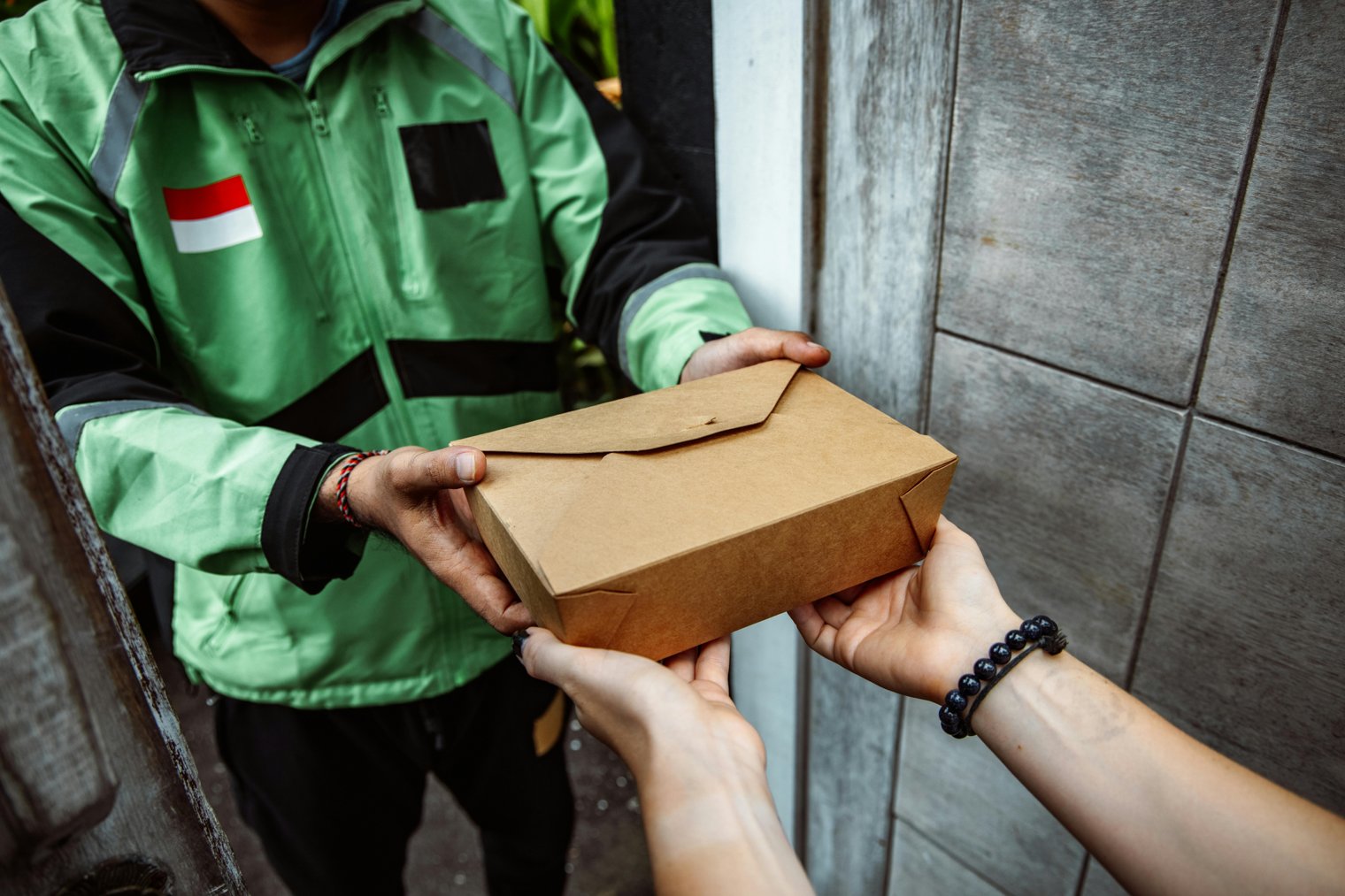
"Simplify your order tap, select, and enjoy your meal faster."
You’re standing in line at a busy restaurant, but instead of interacting with a cashier, you approach a sleek, interactive kiosk. The touchscreen interface is intuitive, offering easy-to-read menus, meal customization options, and payment through digital wallets or credit cards. No more waiting for the staff to take your order now you control the pace. This system speeds up ordering and minimizes errors, making it a favorite for customers and restaurant owners alike. Once you’re done, your order is sent directly to the kitchen.
12:05 PM: You walk into the restaurant and head to a kiosk that’s open and ready for orders.
12:06 PM: You select your meal from the digital menu, customizing it with add-ons and removing unwanted ingredients.
12:08 PM: After confirming your order, you proceed to the payment screen, where you choose your preferred payment method.
12:10 PM: You complete the payment via your mobile wallet, and a receipt is printed with a number to display at your table.
12:15 PM: Your order is ready, and you head to the pick-up counter or table to collect your food.
McDonald's Self-Order Kiosk (Various locations, U.S.)
Panera Bread Kiosk (Various locations, U.S.)
Taco Bell Self-Order Kiosk (Various locations, U.S.)
Chipotle Digital Ordering Kiosk (Various locations, U.S.)
Shake Shack Self-Order Kiosk (Various locations, U.S.)
Wendy’s Self-Ordering Kiosk (Various locations, U.S.)
KFC Kiosk Ordering (Various locations, U.S.)
Starbucks Order-Ahead Kiosk (Various locations, U.S.)
Subway Kiosk Ordering (Various locations, U.S.)
Jack in the Box Self-Service Kiosk (Various locations, U.S.)
Burger King Kiosk Ordering (Various locations, U.S.)
Five Guys Kiosk Ordering (Various locations, U.S.)
Pizza Hut Kiosk Ordering (Various locations, U.S.)
Domino’s Pizza Digital Kiosk (Various locations, U.S.)
Smoothie King Kiosk (Various locations, U.S.)
Dunkin’ Donuts Digital Ordering (Various locations, U.S.)
Papa John’s Kiosk (Various locations, U.S.)
Panera Bread Digital Kiosk (Various locations, U.S.)
McDonald’s Touchscreen Ordering (Various locations, U.S.)
Subway Digital Kiosk Ordering (Various locations, U.S.)
Starbucks Mobile Ordering (Various locations, U.S.)
Shake Shack Digital Ordering (Various locations, U.S.)
Blaze Pizza Kiosk (Various locations, U.S.)
Pei Wei Asian Kitchen Kiosk (Various locations, U.S.)
The Coffee Bean & Tea Leaf Kiosk (Various locations, U.S.)
QDOBA Mexican Eats Kiosk (Various locations, U.S.)
Hardee’s Kiosk Ordering (Various locations, U.S.)
Dairy Queen Kiosk (Various locations, U.S.)
El Pollo Loco Kiosk (Various locations, U.S.)
Portillo’s Self-Order Kiosk (Various locations, U.S.)
Quick-Service Dining, Technology in Food Service, Self-Order Convenience, Digital Payments, Customizable Orders
1. McDonald's: Fast Food Chain
2. Panera Bread: Fast Casual Dining
3. Taco Bell: Fast Food Chain
4. Chipotle: Fast Casual Dining
5. Shake Shack: Fast Casual Dining
6. Starbucks: Coffee Shop & Café
7. Subway: Sandwich Shop
8. Wendy’s: Fast Food Chain
9. Five Guys: Fast Casual Dining
10. Papa John’s Pizza: Pizza Delivery & Take-Out
11. KFC: Fast Food Chain
12. Domino’s Pizza: Pizza Delivery & Take-Out
13. Pizza Hut: Pizza Delivery & Take-Out
14. Chipotle Mexican Grill: Fast Casual Dining
15. Jack in the Box: Fast Food Chain
16. Hardee's: Fast Food Chain
17. QDOBA: Mexican Fast Casual
18. Burger King: Fast Food Chain
19. Dunkin’ Donuts: Coffee Shop & Fast Food
20. Dairy Queen: Fast Food & Ice Cream
21. El Pollo Loco: Mexican Fast Casual
22. Pei Wei Asian Kitchen: Asian Fusion Restaurant
23. Blaze Pizza: Customizable Pizza Chain
24. Portillo's: Chicago-Style Food Chain
25. Smoothie King: Smoothie Shop
26. The Coffee Bean & Tea Leaf: Coffee Shop & Café
27. Sweetgreen: Healthy Fast Casual
28. REI: Outdoor Gear for Foodie Adventures
29. Amazon Go: Cashier-Free Stores
30. GoPuff: Convenience Store Delivery
31. Grubhub: Food Delivery Service
32. DoorDash: Food Delivery Service
33. Uber Eats: Food Delivery Service
34. Postmates: Food Delivery Service
35. Yelp: Restaurant Review and Info
36. OpenTable: Restaurant Reservations
37. TripAdvisor: Restaurant and Food Reviews
38. Instacart: Grocery & Delivery Service
39. Amazon Fresh: Grocery Delivery
40. Walmart Grocery Pickup: Grocery Service
41. FreshDirect: Online Groceries
42. Target: General Merchandise and Groceries
43. Whole Foods Market: Grocery Store
1. Download the self-ordering app for your chosen restaurant (e.g., McDonald’s app, Domino’s app)
2. Set up payment details on your app for quick payments
3. Have a list of favorite menu items saved in the app for faster ordering
4. Check for kiosk availability at your nearest restaurant before visiting
5. Use the app to locate a restaurant with a kiosk near you
6. Bring a charged phone to use the app or kiosk
7. Activate loyalty programs (if available) on the restaurant’s app for rewards
8. Set a preferred pickup or delivery method in the app (dine-in or takeout)
9. Enable location services to streamline restaurant selection and check-in
10. Customize your order in the app before arriving to speed up the process
• Smartphone with the relevant food service app:
• Payment method linked to the app (credit card, PayPal, etc.):
• Fast Food or Casual Dining Restaurant Kiosk:
• Wifi or mobile data for seamless app connectivity:
• Credit or debit card for app-based payments:
• Knowledge of dietary preferences for customization:
• Reusable water bottle or drink:
• Comfortable clothing for a casual meal:
• A charger or power bank for your smartphone:
• Personal identification (for loyalty membership verification):
• McDonald's App (Mobile Ordering)
• Taco Bell App (Mobile Ordering)
• Panera Bread App (Mobile Ordering)
• Shake Shack App (Mobile Ordering)
• Domino’s Pizza App (Mobile Ordering)
• Lack of Kiosk Availability: Some locations may not have kiosks or they may be out of service.
• Slow Kiosk Performance: Occasionally, kiosks may lag, causing delays.
• Payment System Glitches: Payment errors or failures due to app issues.
• Limited Customization Options: Not all menu items can be customized on the kiosk.
• Long Wait Times: If the restaurant is busy, even the kiosk may have long lines.
• Small Kiosk Screens: Some customers may find kiosk screens too small or hard to read.
• Inability to Get Personal Assistance: Limited help if you encounter issues during ordering.
Ordering food via the kiosk for faster service.
Using loyalty apps to get discounts or earn rewards.
Paying for meals with mobile wallets or stored credit cards.
Customizing meals for dietary needs or preferences.
Tapping to finalize orders quickly.
Skipping the cashier line by using a kiosk instead.
Returning to the kiosk for quick repeat orders at your favorite spot.
Picking up the food or awaiting delivery confirmation.
Completing the meal and leaving the restaurant.
Saving the restaurant for your next visit through the app.
Ordering for takeaway or delivery for future use.
Leaving a tip or rating the experience through the app.
Events
You must log in to add an event.
Events for this Scenario
No events found for this scenario yet.
Experiences
Please log in to share your experience.