
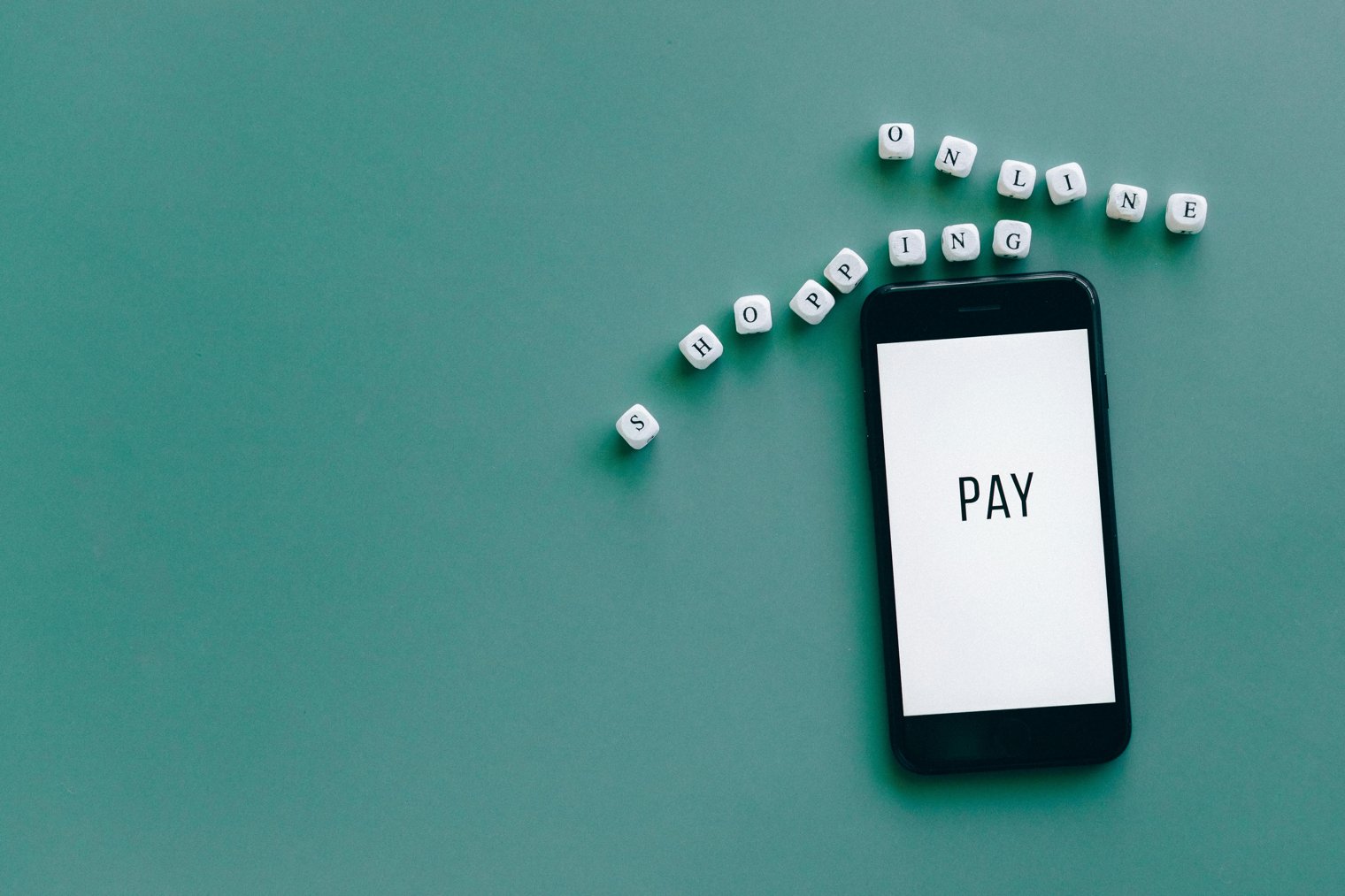
"One tap to park technology that turns parking stress into convenience."
It's a busy morning in the city, and you're running errands. You've just found a parking spot, but you don't have to search for loose change or a ticket kiosk. Instead, you open your phone, launch the parking app, and pay for your parking spot in just a few taps. No more fumbling with coins or worrying about expired meters technology has made the process seamless. Whether you’re at a busy downtown spot or near a popular restaurant, this quick, hassle-free way of paying ensures you're focused on what matters most.
9:15 AM: You arrive at your destination and find a street parking spot, checking the meter to see how much time is left.
9:17 AM: You open your parking app (e.g.
ParkMobile
PayByPhone) and enter your spot number.
9:18 AM: The app shows you the price, and you quickly confirm the payment with your stored credit card details.
9:20 AM: The app confirms the payment, and the timer on your app starts counting down, ensuring you’ll have enough time.
11:45 AM: After finishing your errands, you receive a notification from the app about your upcoming parking session’s end time.
Downtown Chicago Parking (Chicago, IL)
San Francisco Parking Garages (San Francisco, CA)
ParkMobile: Various cities, U.S.
PayByPhone: Various cities, U.S.
SpotHero (Chicago, IL)
ParkWhiz (Chicago, IL)
Passport Parking (Multiple Cities, U.S.)
San Francisco City Parking (San Francisco, CA)
Parkopedia (Multiple Cities, Global)
LA Express Park (Los Angeles, CA)
SFpark (San Francisco, CA)
New York City Meter Parking (New York, NY)
City of Austin Parking (Austin, TX)
Parking Panda (Multiple Cities, U.S.)
Chicago Parking Meters (Chicago, IL)
Miami Parking App (Miami, FL)
ParkMe (Multiple Cities, U.S.)
Dallas Parking Meter App (Dallas, TX)
Seattle Parking Apps (Seattle, WA)
Detroit Downtown Parking (Detroit, MI)
Philadelphia Meter Parking (Philadelphia, PA)
Boston ParkMeter (Boston, MA)
Riverside Park Parking (Riverside, CA)
Portland, OR Meter Parking (Portland, OR)
Atlanta Parking App (Atlanta, GA)
Houston Parking Meter App (Houston, TX)
Columbus Parking App (Columbus, OH)
Tampa Bay Parking (Tampa, FL)
Urban Convenience, Technology Integration, Time-Saving, Stress-Free City Living, Smart Parking Solutions
1. ParkMobile: Mobile Parking Payment App
2. PayByPhone: Mobile Parking Payment App
3. ParkWhiz: Parking Reservation Service
4. SpotHero: Parking Reservation Service
5. Passport Parking: Mobile Payment for Street Parking
6. LA Express Park: Los Angeles Parking Program
7. SFpark: San Francisco Parking Program
8. Parkopedia: Parking Availability and Pricing App
9. Google Maps: Navigation & Parking Info
10. Apple Maps: Navigation & Parking Info
11. ParkMe: Parking Reservation App
12. City of Austin Parking: Public Parking Service
13. Parking Panda: Parking Reservation App
14. Turo: Peer-to-Peer Car Rental
15. Hertz: Car Rental Service
16. Zipcar: Car Sharing Service
17. Uber: Ride-Sharing Service
18. Lyft: Ride-Sharing Service
19. The Parking Spot: Airport Parking Reservation
20. Metrolink: Public Transportation
21. Bolt: Electric Scooter Service
22. Lime: Electric Scooter Service
23. Evo Car Share: Car Sharing Service
24. Enterprise Rent-A-Car: Car Rental
25. Hertz Parking: Parking App & Reservation
26. Avis: Car Rental
27. Budget: Car Rental
28. National Car Rental: Car Rental
29. Alamo: Car Rental
30. Tesla Supercharger: Electric Vehicle Charging
31. Google Pay: Digital Payment Service
32. Apple Pay: Digital Wallet & Payment Service
33. Venmo: Payment Service
34. PayPal: Payment Service
35. Samsung Pay: Mobile Payment App
36. Amazon Pay: Payment App
1. Download the parking app (ParkMobile, PayByPhone, SpotHero, etc.)
2. Set up payment information in the app for easy use
3. Set location preferences for parking availability near popular spots
4. Use the app to compare parking rates before arriving
5. Reserve parking in advance through SpotHero or ParkWhiz if you know your destination
6. Make sure the app is linked to your smartphone's GPS for accurate location-based services
7. Turn on push notifications to remind you about parking expiration
8. Utilize in-app maps to find available parking spaces in crowded areas
9. Pay for parking directly through the app, using your stored payment methods
10. Save your parking spots for future reference
• Smartphone with GPS:
• Parking App (e.g., ParkMobile, PayByPhone, SpotHero):
• Credit or Debit Card linked to the app:
• Mobile Data or Wi-Fi to access the app:
• Charger or Power Bank (to avoid phone battery drain):
• Valid Parking Spot Information (e.g., spot number, location):
• Car (obviously):
• Comfortable Clothing for walking:
• Umbrella or Sun Protection (if parking is outdoors):
• A Pen or Note to write down your parking spot (in case of app issues):
• ParkMobile (Parking Payment App)
• SpotHero (Parking Reservation Service)
• ParkWhiz (Parking Reservation Service)
• Apple Pay (Digital Wallet)
• Google Maps (Navigation & Parking)
• App Connectivity Issues: No internet means no access to parking services.
• Parking Rate Changes: Prices may fluctuate unexpectedly, especially in busy areas.
• Limited Parking Availability: Popular spots may not always be available.
• Battery Drain: Parking apps can quickly drain battery life.
• Expiration Alerts: Forgetting to renew your parking or extend time via the app.
• Complicated Parking Zones: Some apps don’t always provide clear details about parking zones.
• Technical Issues: Errors in the app or payment processing may result in parking fines.
Checking parking availability in advance via apps.
Comparing parking prices for the best deal before parking.
Renewing parking time via the app to avoid getting a ticket.
Looking for alternative parking spots if the app shows limited availability.
Relying on digital payment services for parking.
Using parking apps regularly when visiting busy city areas.
Saving time by not needing to run to a meter or kiosk to pay for parking.
Moving your car if the app warns about an expired parking session.
Switching parking spots if the one you reserved becomes unavailable.
Returning to your vehicle when your session is about to expire.
Continuing with your plans after paying for parking for the whole day.
Switching to alternative transport (ride-sharing, public transit) if parking becomes inconvenient.
Events
You must log in to add an event.
Events for this Scenario
No events found for this scenario yet.
Experiences
Please log in to share your experience.