
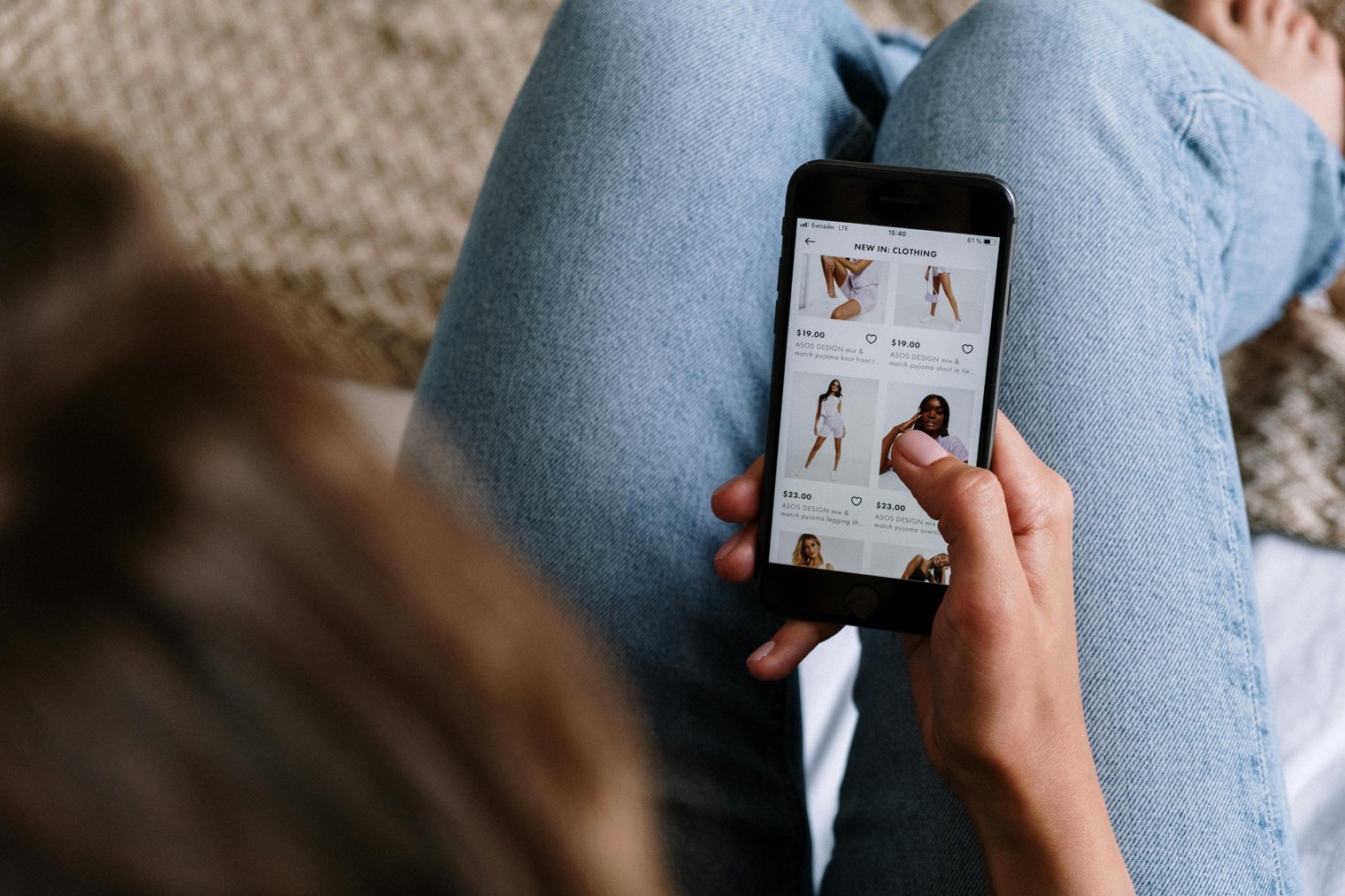
A fresh start with every upgrade embracing technology, progress, and the thrill of the new.
Upgrading your phone is a significant decision for many people, often tied to personal goals, lifestyle changes, or the desire for the latest features. Whether it’s your first time upgrading, or you’ve done it multiple times, the experience is filled with both excitement and practicality. You navigate between various models, weigh the options of purchasing outright or upgrading through a carrier, and finally make the move to purchase your new phone, which will soon be a daily part of your life.
9:00 AM: After a few weeks of researching online, you finally make the decision to upgrade your phone. You walk into your local Verizon store to explore your options.
9:30 AM: You’re talking to a sales representative, comparing different models, and asking questions about the camera quality, battery life, and storage.
10:00 AM: You make your decision, filling out the paperwork, choosing whether to pay outright or sign up for a payment plan.
10:15 AM: You’re at the counter, making the final payment or completing the upgrade process, feeling a mix of excitement and anticipation.
10:30 AM: You’re leaving the store with your new phone, ready to transfer your data and start exploring its new features.
Apple Store (Various Locations)
Overview: The Apple Store is the ideal destination for anyone upgrading their iPhone, with in-person guidance and assistance from Apple's experts.
Landmarks: The distinctive glass entrances, interactive displays where you can test out the latest devices.
Tips: Book an appointment through the Apple website to avoid waiting long in line, especially if you're buying a popular new model.
Best Buy (Various Locations)
Overview: Best Buy offers a wide selection of mobile phones across various brands, including hands-on displays and helpful tech experts to guide you.
Landmarks: Large tech section with a dedicated mobile phone aisle, various models available for demonstration.
Tips: Check Best Buy's website for exclusive promotions and deals, like discounted accessories or trade-in offers for old phones.
T-Mobile Store (Various Locations)
Overview: T-Mobile's retail stores provide the latest in mobile technology and phone upgrades, with knowledgeable staff ready to help with the decision-making process.
Landmarks: The bright, modern layout with displays showcasing the latest phone models and accessories.
Tips: Bring your old phone with you for trade-in offers and potential discounts off the upgrade price.
While upgrading your phone, it's essential to think beyond just the device. Whether you're upgrading your plan or switching carriers, you need to assess your phone usage needs. Some important points to consider
Verizon Store (Various Locations)
AT&T Store (Various Locations)
T-Mobile Store (Various Locations)
Sprint Store (Various Locations)
Apple Store (Various Locations)
Best Buy (Various Locations)
Walmart (Various Locations)
Target (Various Locations)
Micro Center (Various Locations)
Costco (Various Locations)
Sam’s Club (Various Locations)
B&H Photo Video (New York, NY)
Amazon (Online Store)
Newegg (Online Store)
eBay (Online Marketplace)
Fry’s Electronics (Various Locations)
Google Store (Various Locations)
Samsung Store (Various Locations)
Microsoft Store (Various Locations)
RadioShack (Various Locations)
Cricket Wireless Store (Various Locations)
Boost Mobile Store (Various Locations)
Metro by T-Mobile Store (Various Locations)
Apple Authorized Resellers (Various Locations)
Local Mobile Carrier Retailers (Various Locations)
Technology, Upgrading, Consumer Electronics, Convenience, Exploration
1. Verizon: Mobile Service Provider
2. T-Mobile: Mobile Service Provider
3. AT&T: Mobile Service Provider
4. Sprint: Mobile Service Provider
5. Best Buy: Retailer for Electronics
6. Apple: Tech Company
7. Samsung: Electronics Manufacturer
8. Google: Tech Company
9. Amazon: Online Retailer for Devices
10. Newegg: Online Retailer for Electronics
11. Target: Retailer for Tech Accessories
12. Walmart: Retailer for Electronics
13. Costco: Retailer for Electronics
14. Micro Center: Retailer for Electronics
15. B&H Photo Video: Online and Retail Store for Electronics
16. RadioShack: Electronics Retailer
17. B&H Photo Video: Services/Services
18. Best Buy Geek Squad: Tech Support Service
19. AppleCare: Support Service for Apple Devices
20. Samsung Care+: Support Service for Samsung Devices
21. T-Mobile T-Force: Customer Service for T-Mobile
22. Sprint Customer Service: Services/Services
23. Verizon Customer Service: Services/Services
24. B&H: Electronics Retailer
25. Boost Mobile: Mobile Service Provider
26. Cricket Wireless: Mobile Service Provider
27. Amazon Prime: Subscription Service for Deals and Streaming
28. Mobile Phones: eBay Marketplace
29. Apple Authorized Resellers: Retail Stores
1. Verizon App: Check your plan and upgrade eligibility through the mobile app.
2. Best Buy: Head into Best Buy for personalized phone and plan recommendations.
3. Apple Store: Visit the Apple Store for expert advice on Apple phone upgrades.
4. Amazon: Purchase phones online and have them shipped directly to your home.
5. T-Mobile App: Use the T-Mobile app to compare phones and plans.
6. Target: Head to Target for budget-friendly phone options and deals.
7. Walmart: Purchase the latest models at competitive prices.
8. AT&T App: Manage your upgrade process with the AT&T app.
9. Sprint Website: Order directly through Sprint’s website for new devices and upgrade options.
10. Micro Center: Shop for phones and get advice from experts on mobile technology.
• New Phone Model (choose the model best suited to your needs):
• Payment Plan (for those choosing to finance their phone upgrade):
• Phone Case (protective case for the new phone):
• Screen Protector (for extra protection):
• SIM Card (necessary for your new phone activation):
• Data Plan (ensure your new plan is set up for data use):
• Credit Card (for purchase):
• ID (for verification and purchase at physical stores):
• Transfer Cable (for transferring data from your old phone to the new one):
• Internet Connection (for activating and setting up your phone):
• iPhone 13 (Apple)
• Samsung Galaxy S21 (Samsung)
• Google Pixel 6 (Google)
• AppleCare+ (Apple Support Service)
• OtterBox (Phone Case Manufacturer)
• Lost Data: During the upgrade process, data may be lost or corrupted.
• Payment Plans: Financing your phone can create a longer commitment than anticipated.
• Software Compatibility: Apps and software may need to be reinstalled or updated.
• Learning Curve: The new phone may have a steeper learning curve depending on the upgrade.
• Initial Setup Time: It may take time to transfer data and set up the new phone properly.
• Coverage Area: Some phone models may not have the best coverage in all areas.
• Limited Availability: Popular models might be out of stock or hard to find in certain stores.
Regularly upgrading phones when new models are released.
Backing up important data before upgrading.
Using cloud storage for data management.
Setting up security features like face ID or fingerprint authentication on new devices.
Learning about the new features of the upgraded phone.
Purchasing accessories (like cases and chargers) alongside the new phone.
Transferring contacts and apps to the new device right away.
• Deactivating old phone: Making sure your old phone is wiped clean and deactivated.
• Signing up for phone protection plans: Some people continue by upgrading to a protection plan like AppleCare.
• Trading in the old phone: Consider trading in the old phone for a discount on the new one.
• Keeping the old phone as a backup: Use it as a secondary phone for emergencies or as a backup device.
• Selling the old phone: If it's still in good condition, sell your old phone to recoup some of the upgrade cost.
Events
You must log in to add an event.
Events for this Scenario
No events found for this scenario yet.
Experiences
Please log in to share your experience.